
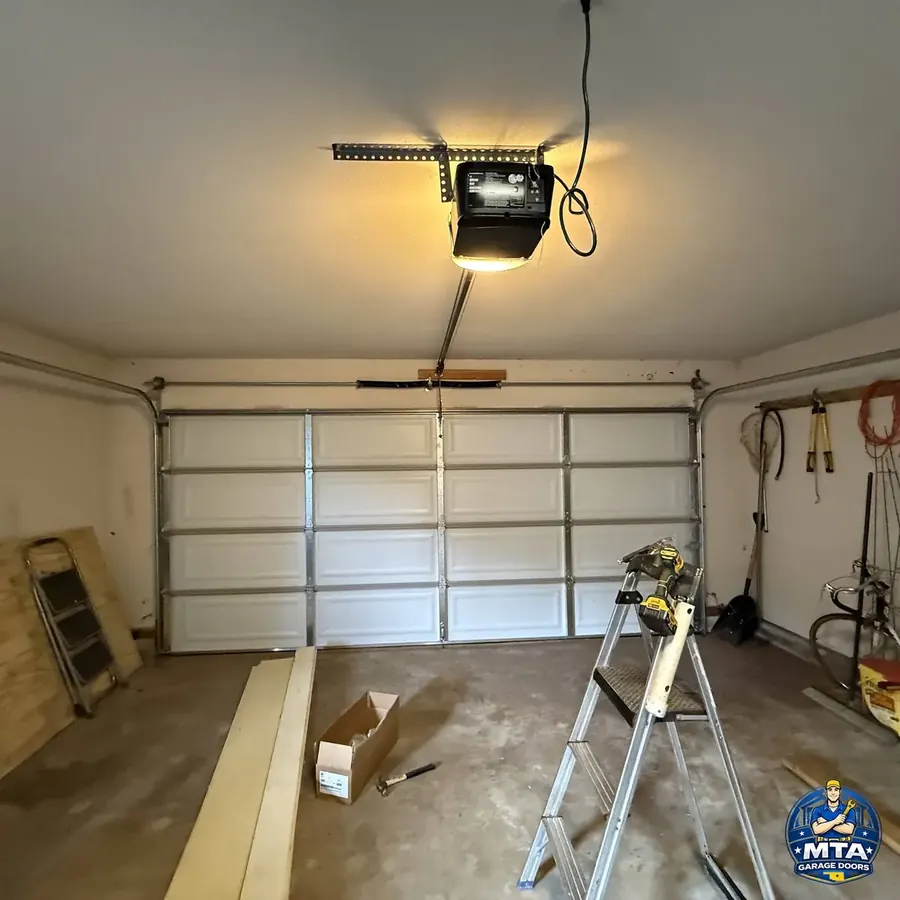
First confirm that the door and opener move normally
Remote range is only one part of the system. Use the wall control from a safe location and watch the complete door path. If the door is crooked, unusually heavy, off track, jerking, or showing a loose cable or broken spring, stop testing. A remote signal problem does not explain unstable door movement, and the mechanical condition should be addressed first.
If the wall control opens and closes a level, stable door normally, compare the remote and keypad. Note which controls work, from what distance, whether the problem affects opening, closing, or both, and whether the behavior changes inside a vehicle or at different times of day.
A weak or incorrectly installed battery is a practical first check
A remote can still operate at very short range when the battery no longer supplies reliable power for normal distance. Replace the battery with the type specified for the remote, confirm the orientation, and inspect the battery contacts without bending or scraping them. Dispose of small batteries safely and keep them away from children and pets.
If more than one remote loses range at the same time, separate batteries are less likely to be the only cause. Compare all available controls before buying several replacement remotes.
Remote damage can reduce signal reliability
Drops, moisture, heat, worn buttons, cracked housings, or damaged internal contacts can affect one remote while the wall control and other remotes continue working. A button that must be pressed at an angle or held down may indicate wear in that control rather than a door or opener fault.
Do not open a remote beyond the battery access described in its instructions unless the manufacturer provides a service procedure. Record the model number and compare the behavior of a second compatible remote when one is available.
Check the opener antenna without pulling or altering it
Many ceiling-mounted openers use a short antenna wire that hangs from the motor unit. If the antenna is tucked against metal, damaged, missing, or positioned differently than the manufacturer instructions show, reception may change. Look from the floor without climbing under the door or pulling the wire.
Do not splice, extend, relocate, or connect the antenna to another object unless the opener manufacturer provides an approved procedure. The opener model and manual should guide antenna position and compatible accessories.
Electrical and radio interference can shorten range
Some LED bulbs, chargers, transformers, motors, electronic devices, or recently added equipment can create interference near the opener or along the approach to the garage. The timing of the problem matters. Note whether range changed after a bulb, device, vehicle accessory, or electrical equipment was installed.
Use only bulb types and wattages approved for the opener. Do not remove electrical covers or alter wiring to test interference. A safe comparison may involve turning off an ordinary plug-in device or opener light according to its instructions, but any heat, damaged wiring, arcing, or burning odor requires the equipment to remain off until the electrical hazard is addressed.
Lock mode, programming, and compatibility affect controls
Some wall controls include a lock or vacation mode that disables remotes while preserving wall-button operation. A remote may also lose programming after a power event, battery change, control replacement, or opener reset. Indicator lights and button sequences vary by manufacturer and model.
Follow the opener manual for the exact model. Do not press random learn-button combinations, because programming procedures can erase existing controls or change how they are enrolled. If the remote is new, confirm that its frequency and protocol are compatible with the opener rather than assuming any remote from the same brand will work.
Power quality and the receiver may need diagnosis
If every remote and keypad has poor range while the wall control remains normal, the opener’s receiver, antenna circuit, power supply, logic board, or nearby interference may be involved. Intermittent power can also change lights, programming, clocks, battery-backup behavior, or control response.
Do not remove the opener cover or touch internal electrical parts. Record indicator-light patterns, sounds, and whether settings are lost after a power interruption. This information helps separate a receiver issue from a control, antenna, or power problem.
Vehicle location and building materials can change the signal path
Metal siding, foil-backed insulation, a metal garage door, dense masonry, landscaping, and the direction of approach can affect how a signal reaches the opener. Vehicle windshields and built-in transmitter locations also vary. A remote that works from one side of the driveway but not the other provides useful information about the signal path.
Do not relocate safety equipment or opener components simply to improve range. First confirm normal behavior against the manufacturer specifications and compare a handheld remote with any vehicle-integrated control.
Built-in vehicle controls require their own setup
A vehicle transmitter may need model-specific programming, a compatibility bridge, or a different learn sequence. If a handheld remote has normal range but the vehicle control does not, focus on vehicle compatibility and programming before changing the opener.
Use the vehicle and opener manuals together. Complete programming with the vehicle parked outside the door path, keep the moving door in view, and ensure no one enters the opening during a test cycle.
A useful comparison checklist
- Wall control: Does it move the door normally every time?
- Handheld remotes: Does one remote have better range than another?
- Keypad: Does it work consistently at the exterior wall?
- Vehicle control: Is the problem limited to one vehicle or transmitter?
- Timing: Did the range change after a battery, bulb, device, power event, or programming change?
- Door movement: Is the door level, smooth, and free of spring, cable, track, or roller warning signs?
Share the opener and remote model numbers, indicator pattern, battery type, control comparison, and approximate working distance when requesting service. Do not share access codes or remote credentials in public reviews or analytics forms.
What a complete opener-control inspection should include
A useful diagnosis may review batteries, remote condition, compatibility, programming, lock mode, wall control, keypad, antenna, approved opener bulb, nearby interference, power, receiver response, logic board indicators, and vehicle controls. The door should also be checked for balance and normal movement so a control complaint does not hide a separate mechanical issue.
After repair or setup, test each authorized control with the door path clear. Confirm normal travel, photo-eye response, reversal, manual release instructions, and secure enrollment of remotes or keypad codes. Remove lost or unneeded controls from the opener memory according to the manufacturer procedure.
Frequently asked questions
Why did both garage door remotes lose range at once?
A shared change such as interference, antenna position, opener power, receiver behavior, lock mode, or a recent bulb or device can affect multiple controls. Compare the wall control, keypad, and opener indicators before replacing both remotes.
Can an LED bulb interfere with a garage door remote?
Some electronic bulbs or drivers can contribute to radio interference. Use a bulb type approved for the specific opener and compare behavior according to the manufacturer instructions.
Does short range mean I need a new opener?
No. Battery condition, a damaged remote, antenna position, interference, programming, compatibility, power, or receiver components may be involved. Diagnose the signal path before comparing repair and replacement.
For short remote range or inconsistent opener controls in Edmond and MTA’s confirmed Oklahoma City metro service areas, review the garage door opener repair page and the opener upgrade guide, or request an opener-control inspection. If the door itself is unstable, stop testing and use the appropriate urgent repair service.